
Put your bot on your phone's button
From Elon Musk: assign Grok Bot to your phone's button so one press opens it and you can hand off a task the moment you think of it.
Last verified: Oct 17, 2026
The problem
Good ideas and to-dos come up when you're away from a keyboard, and they get lost.
How the bot does it
From Elon Musk:
- Elon posted that you can assign Grok Bot to your phone's button (post).
- He was quoting a user who set the iPhone Action Button to open Grok in voice mode, say tasks and deadlines, and have them handed to bots.
- The post doesn't give setup steps or name other phones. Check your phone's settings for a button shortcut.
Setup steps
- 1Check whether your phone lets you assign an app or shortcut to a button.
- 2Point that button at Grok Bot (or Grok in voice mode).
- 3Press it and say a task out loud.
- 4Tell your bot: Draft, I send. Stop and ask me before paying.
Example prompt
When I open you from my phone button, take whatever I say as a task, add it to my list with any deadline, and confirm back to me. Don't send or pay for anything: Draft, I send.
The result
One press to reach your bot. Setup depends on your phone.
Sources
Want new ones in your inbox?
Pick what you're into. We'll send the best new prompts and templates, plus the weekly robot show.
Related prompts
Build an interactive history simulation
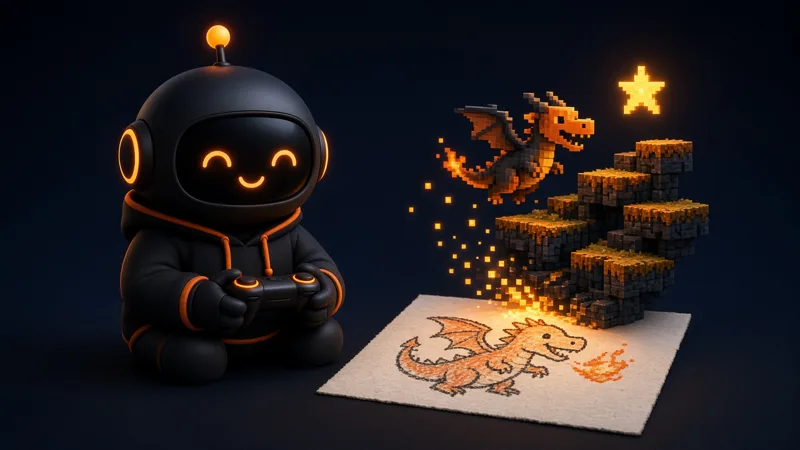
From Elon Musk: "Grok @Bot can make a sim of anything." He was sharing a Battle of Cannae simulation made with a bot. Ask for one as a small web page you can click through, and check the facts.
Build an interactive simulation of [historical event] as a simple web page I can click through step by step. Label each stage, add a short note on what happened, and list your sources so I can check the facts. Change nothing else.
Order your usual coffee ahead from the car
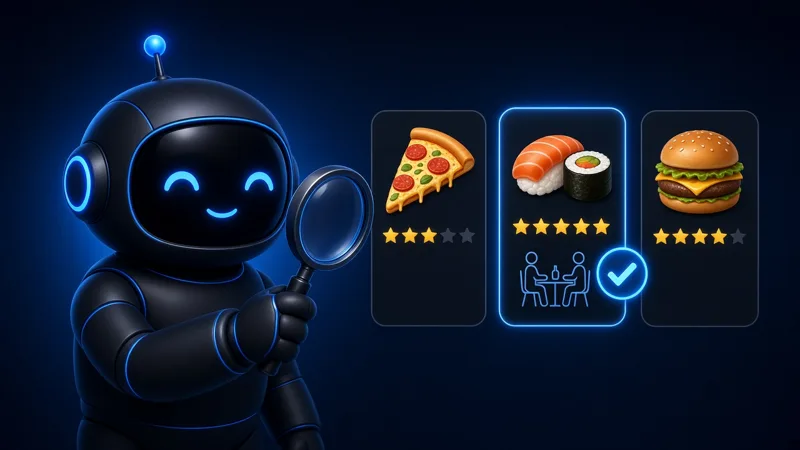
Users report asking their bot from the car to order their usual drink so it's ready when they arrive. It needs the shop's online ordering and a saved payment method. From xAI: the Grok Voice 3.0 post says Tesla drivers can use Grok Bot for bigger tasks like "ordering a coffee or booking dinner", hands-free. It needs a Tesla with Grok and Grok Bot access; the post gives no setup steps.
Order my usual [drink] from [coffee shop] at [location] for pickup in about [minutes]. Show me the order and total first. Stop and ask me before paying.
Dictate room measurements and get a 3D model of your house
One user reports dictating room measurements to his bot in voice mode and getting a 3D model of his house back. The official help page confirms voice mode, not the 3D model.
I'm going to read you room measurements. Write them down room by room, then build a simple 3D model of the house I can rotate in a browser. List anything that doesn't add up. Change nothing else.